

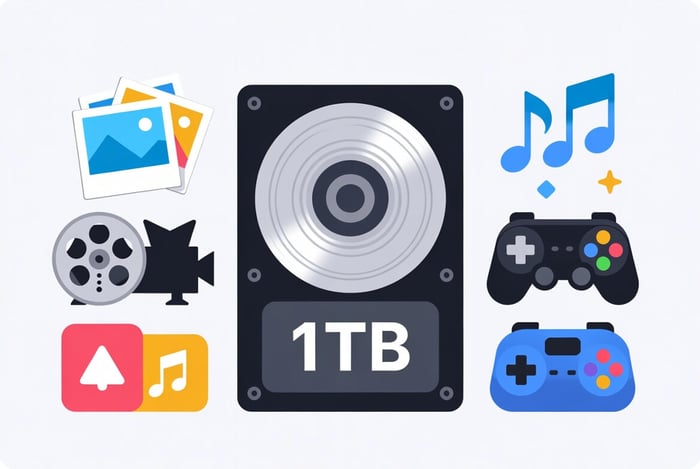
A 1TB external drive can hold a large collection of files, but there is no single answer for the number of photos, movies, or games. The important detail is the size of your actual files.
Why Windows May Show 931GB for a 1TB Drive
Yes—a 1TB drive commonly shows about 931GB in Windows. That does not mean 69GB has disappeared.
Drive makers count 1TB as 1,000GB—one trillion bytes. Windows counts those same bytes in larger units, so the number comes out to about 931. Windows usually labels this “GB,” though the technical name is “GiB.” It is the same storage, counted differently. [1]
Usable space is a separate issue. Formatting and reserved space can reduce the space available for your files. Files already saved on the drive reduce the free space further.
Examples: What Could Fit?
The table uses the advertised 1,000GB for simple estimates, before formatting or reserved space. The file sizes are examples chosen by PC Ninja, not claims about an average photo, video, or game. Each row assumes the entire drive holds only that kind of file.
Illustrative 1TB storage estimates — actual counts vary
On phones, each row is shown as a labeled comparison.
| Example file | Assumed size | Approximate count |
|---|---|---|
Photo | 4MB | 250,000 |
Large photo / RAW file | 25MB | 40,000 |
Music file | 10MB | 100,000 |
Video file | 5GB | 200 |
Larger movie or video | 25GB | 40 |
Game installation | 100GB | 10 |
Document | 1MB | 1,000,000 |
Your mix of files shares the same space. Higher-quality video, camera settings, game updates, and saved backup history can change the total substantially.
Check Your Own Files Before Buying
- On Windows, right-click the folder you want to store and select Properties. On a Mac, select the folder and choose Get Info.
- Add up the folders you need, including any files stored outside your main Documents or Pictures folders.
- Allow room for future files. A backup may also keep older versions, so it can require more space than a single copy.
Hard Drive or SSD?
A hard drive can offer more storage for the money; an SSD is generally faster and easier to carry without worrying about moving internal parts. Compare the actual price, capacity, and connection for the model you are considering. Our SSD vs. HDD guide explains the difference.
Remember: Extra Storage Is Not Automatically a Backup
If you move the only copy of your photos onto an external drive, that drive becomes the original—not a backup. Keep independent copies using the 3-2-1 rule. [2]
For help choosing storage for your files, contact PC Ninja.
Sources
Numbered links above match these references. Each reference lists when it was checked. Buying and service recommendations are PC Ninja’s advice, not guarantees.
- [1] Seagate. Why does my hard drive report less capacity than indicated on the drive’s label?. Accessed October 13, 2026.
- [2] CISA / US-CERT. Data Backup Options. Accessed October 9, 2026.