

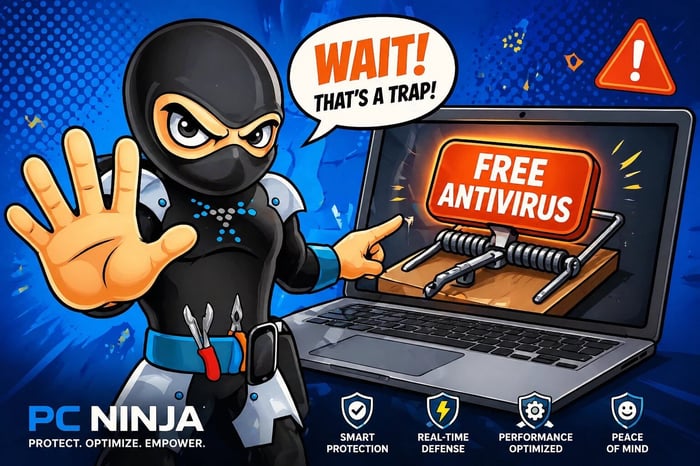
You get a brand-new laptop, or finish a fresh Windows install, and the first thing you think is: “I need to protect this thing.” You search for “best antivirus” and a shiny, zero-dollar option appears. It is free and easy—but it can also be a trap.
At PC Ninja, we love a good deal. But we have seen too many computers come into our Reading, PA, shop after struggling with “free” antivirus software.
The truth is, “free” is rarely free. If you are not paying with your wallet, you may be paying with your data, your computer’s speed, or your peace of mind. Here is what can happen when you click “Install.”
Quick takeaway: Before installing free antivirus software, consider what it collects, how it affects performance, what protection it provides, and whether help is available when something goes wrong.
Your Personal Data is the Secret Currency
A company giving away complex software still has to pay developers and keep its servers running. If it is not getting that money from you, it is getting it somewhere else.
Some free antivirus programs monetize your presence by turning you into the product. They may track your habits, the sites you visit, the apps you use, and basic demographic information such as age and gender. That data can then be bundled and sold to third-party advertisers.
Imagine hiring a security guard who works for free in exchange for reading your mail and telling the local pizza shop your favorite toppings. It is a little creepy, right? In technology, this type of data-for-service model is common. If you value privacy, free antivirus may be an expensive choice.

The Performance Penalty: Why Your PC Feels Tired
After installing “free” antivirus, your computer may suddenly feel slower. That is not always a coincidence.
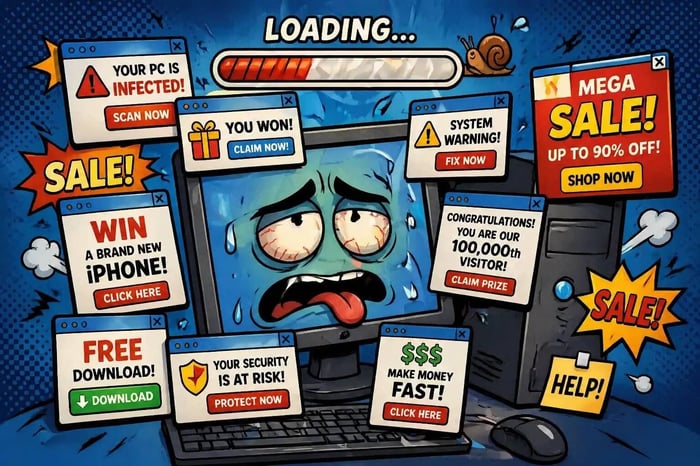
Some free antivirus tools are “bloated.” Without subscription revenue, an installer may include Potentially Unwanted Applications (PUAs), such as extra toolbars, “performance boosters,” and search engine redirects. You did not ask for these extras, and they can use RAM and CPU power in the background.
Pop-ups are another common problem. Free versions often market a paid “Pro” version. You may see daily notices saying your computer is “at risk” or has “junk files” that only the paid version can clean. It can feel like a smoke detector that sounds every hour to sell you a louder one.
Reactive vs. Proactive: The Swiss Cheese Shield
There is a big difference between detecting a virus and preventing one. Most free antivirus programs are reactive: they rely on a database of known threats. If a virus has been around for a while, the software will probably spot it.
Modern cyber-criminals move quickly. They create “zero-day” threats—brand-new bugs that have not been seen before. Paid security solutions use advanced AI and real-time behavioral analysis to spot suspicious activity before it executes. Free versions often lack these proactive features, leaving a gap in your defenses.
Think of it as a ninja guard who recognizes villains only when they wear a nametag that says “I AM A VILLAIN.” A new bad guy in a different outfit might get waved through. For businesses, especially our commercial IT clients in Berks County, this kind of “reactive” security simply isn’t enough to protect sensitive customer data.

No One to Call When Things Go Sideways
If a free antivirus fails and ransomware locks your computer, who do you call? Most free software providers offer no technical support to non-paying users. You may be left searching confusing forums or following YouTube tutorials while your files are held hostage.
At PC Ninja, we believe in the human touch. A professional-grade security solution, like the ones we recommend in our residential computer repair servicesgives you more than software. You get a team.
If something looks unusual or you receive a suspicious email, you can talk to a real person who knows your name and your system. We do not use confusing jargon or disappear when you need help. We are local, honest, and have been doing this for over 25 years.
Personalized Security for Reading, PA Residents
Every computer user is different. A gamer in Wyomissing has different security needs from a small business owner in Reading or an industrial plant manager in Berks County.
“Free” antivirus is a one-size-fits-all blanket. It does not account for your hardware, browsing habits, or whether children share the computer.
Instead of rolling the dice with a freebie, use a personalized approach:
- Audit Your Current Setup: Is your current antivirus actually working, or is it just a source of pop-ups?
- Layer Your Defense: Antivirus is just one part of the puzzle. You also need a solid firewall and, most importantly, protection against phishing scams.
- Stay Updated: Whether it’s Windows updates or software patches, staying current is the best way to keep the bad guys out.
The PC Ninja Verdict
Is free antivirus better than nothing? Usually, yes. But it is far from the comprehensive, quiet, and respectful protection your computer deserves.
Do not let freebie bloatware slow your productivity. Let the experts at PC Ninja help you find a security solution that respects your privacy and your time.
If you are tired of the pop-ups and worried about your data, come see us. We will give your system a thorough check-up and help protect it with more than a “free” mouse trap.
Ready to kick the “free” habit? Contact us today for a jargon-free consultation and let’s get your computer running like a ninja: fast, silent, and secure!