

If important files disappear or a drive stops working, the first step is to avoid making the problem worse. Data recovery means trying to retrieve files you can no longer open normally. Success depends on what happened; no one can promise every file will come back.
Stop Using a Drive That May Be Damaged
If a drive clicks, grinds, was dropped, got wet, or keeps disconnecting, turn it off and get professional advice. Do not repeatedly power it on, open it, freeze it, format it, or run repair tools. Seagate warns that further use or changes can reduce recovery chances. [1]
Deleted Files or a Broken Drive?
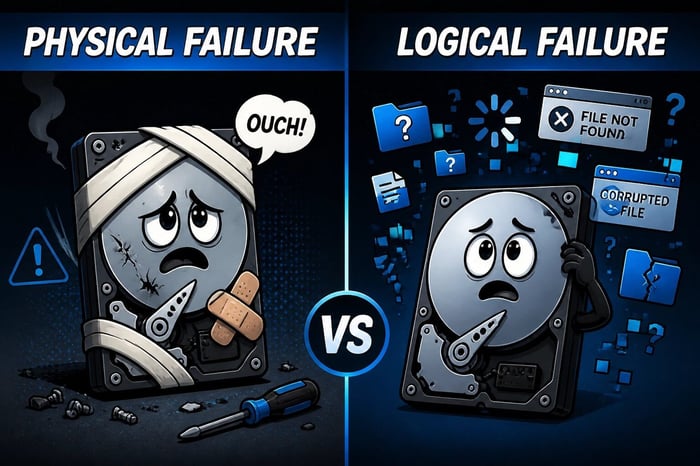
Deleted or missing files: the device may still work, but files were deleted, overwritten, or damaged.
Hardware trouble: the drive itself may have failed. An SSD can fail without making any noise. A quiet drive is not proof that recovery software is safe.
For a Healthy Drive, Check Existing Copies First
- Look in the Recycle Bin or Trash.
- Check backups, file history, and your cloud service’s deleted-file folder from another device if possible.
- Confirm whether the file was moved to another folder or saved under a different name.
If you cannot find a copy, minimize use of the affected drive. Microsoft explains that deleted data can be overwritten by new activity. Do not install recovery software or save recovered files onto that same drive. [2]
When Recovery Software May Help

Recovery software may help with accidental deletion on an otherwise healthy drive. Free software is not automatically bad, but the wrong tool or a careless recovery attempt can overwrite the files you need. Microsoft’s Windows File Recovery is one option, though its typed commands may be better handled by a technician. [2]
If the files are irreplaceable, get advice before trying tools. Recovery can be especially difficult after data has been overwritten or an SSD has cleared deleted data. Do not keep experimenting just because the first scan failed.
When a Recovery Specialist Is Needed
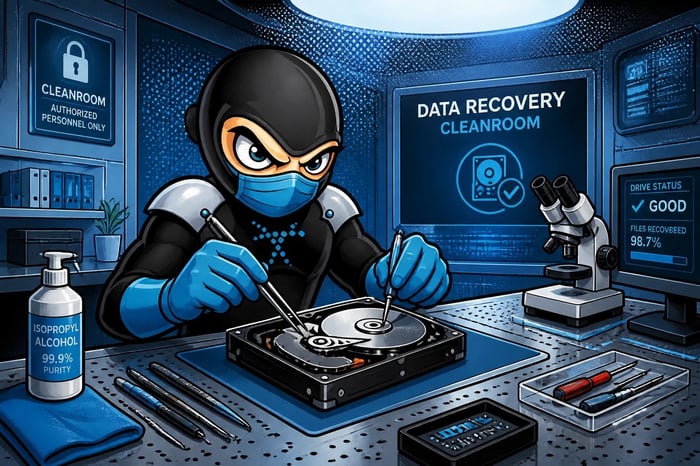
A physically damaged hard drive may need specialist equipment and a controlled clean environment. Do not open the drive’s sealed casing at home. Electronic failures in SSDs also need specialist assessment. [1]
A technician can tell you whether ordinary troubleshooting is appropriate or a recovery lab is needed. Ask about assessment charges, authorization before paid work, privacy, and how recovered files will be returned. Quotes and outcomes depend on the failure.
What to Tell the Technician
- What device and drive stopped working.
- What happened just before the problem: deletion, drop, liquid, power loss, or an error.
- Whether the drive makes unusual noises or is repeatedly missing.
- Which files matter most, what backups exist, and which recovery steps were already attempted.
Prevent the Next Emergency

A tested backup is safer than depending on recovery after a failure. Follow the 3-2-1 backup rule and keep a copy away from the device. [3]
If you need help deciding the next step, contact PC Ninja. Leave a suspected failing drive powered off until you receive advice.
Sources
Sources checked October 9, 2026. Numbered links above match these references. Buying and service recommendations are PC Ninja’s advice, not guarantees.
- [1] Seagate. When Data Loss Occurs — Seagate Recovery Services. Accessed October 9, 2026.
- [2] Microsoft. Windows File Recovery. Accessed October 9, 2026.
- [3] CISA / US-CERT. Data Backup Options. Accessed October 9, 2026.