

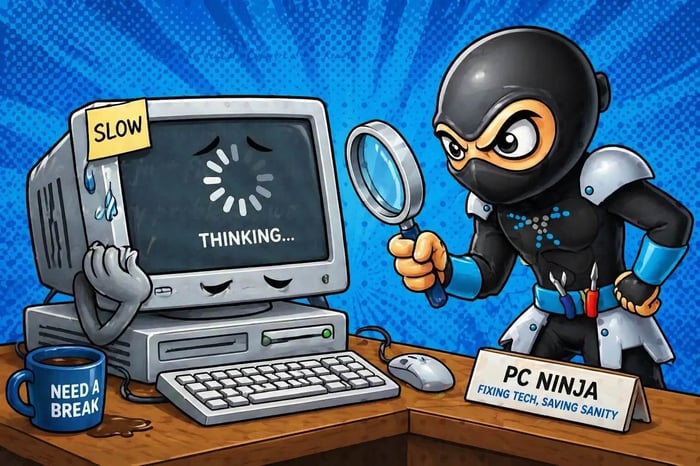
We’ve all been there. You sit down, coffee in hand, ready to conquer the day, only to meet the dreaded "spinning wheel of doom." Your computer used to be fast, but now it moves at the speed of a snail in a marathon.
At PC Ninja, we’ve seen it all in our 25+ years of helping folks in Berks County. A slow computer is frustrating, but don’t throw that laptop out the window just yet. Whether you’re looking for a slow computer fix or need expert computer repair in Reading PA, understanding why your PC is dragging its feet is the first step toward a speedier digital life.
Quick takeaway
Start with the simple checks: review startup apps, close unnecessary background programs and tabs, check free drive space, and look for overheating or malware. The sections below walk through all 10 causes.
Too Many Startup Programs (The Morning Traffic Jam)
Imagine waking up to twenty people asking you to do chores. You would be slow to get out of bed, right? That’s what happens when too many programs launch as soon as you turn on your computer.
Apps such as Spotify, Steam, and printer helpers can sneak into your startup list. They use resources before you even open a browser. Review the list in Task Manager and disable programs you do not need at startup. If you are not sure which ones are safe to disable, our residential support team can help clear the clutter.
Background App Hoarders (The Invisible Resource Hogs)
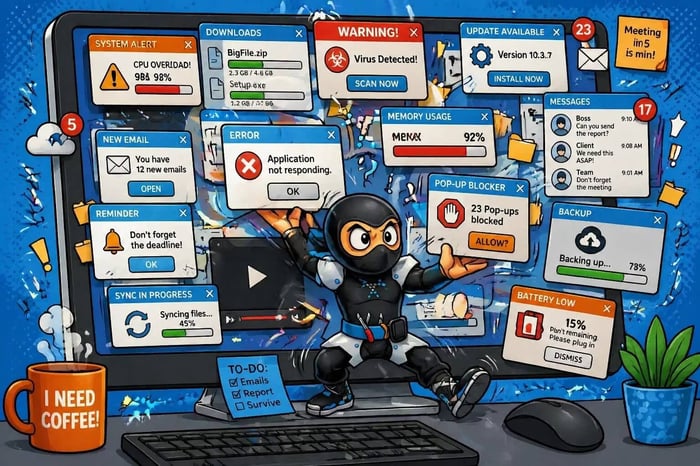
Sometimes the culprit is not what you see on your screen, but what is happening behind the scenes. Some programs keep running after you "close" them so they can sync files, check for updates, or perform other tasks.
These background apps use your CPU (the computer’s brain) and RAM (its short-term memory). If several apps sync to the cloud at the same time, your PC can feel the strain.
The "Too Many Tabs" Syndrome (RAM Exhaustion)
We get it: you need that recipe open, plus three news articles, your email, and that pair of shoes you might buy later. But every single browser tab you keep open is like a little weight added to your computer’s backpack.
Your computer uses RAM (Random Access Memory) to handle everything you’re doing right now. If you run out of RAM, your PC has to start using your hard drive as "overflow" memory, which is much, much slower. If you find yourself constantly battling lag, you might simply need a RAM upgrade. This is one of the most common and cost-effective ways to get a laptop repair in Reading PA that actually feels like a brand-new machine.
Your Hard Drive is Too Full (No Room to Breathe)
Think of your hard drive like a physical filing cabinet. If you stuff it so full that you can’t even slide a piece of paper between the folders, it’s going to take you forever to find anything. Your Operating System (Windows) needs a certain amount of free space to swap files around and keep things running smoothly.
Generally, if your drive is more than 85-90% full, you’ll start to see a major dip in speed. It might be time to move those 4,000 photos of your cat to an external drive or look into data storage solutions to free up some digital elbow room.
Dust Bunnies and Overheating (The Silent Killers)
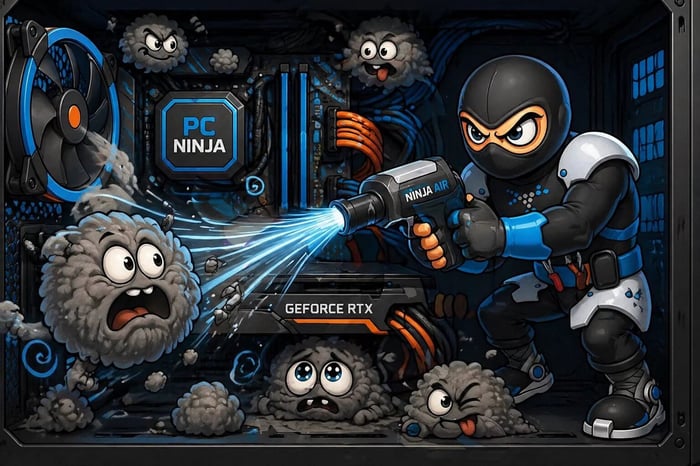
Inside your computer, there are tiny fans working hard to keep everything cool. Over time, these fans suck in dust, pet hair, and whatever else is floating around your Berks County home. When dust coats your components, they can’t stay cool.
To prevent itself from literally melting, your computer will "throttle" its speed: meaning it intentionally slows down to produce less heat. If your laptop feels like a hot pizza stone or your desktop sounds like a jet engine taking off, it’s definitely time for a professional cleaning. A quick tune-up at PC Ninja can clear out those "dust monsters" and get your airflow back to normal.
The Malware Menace (Unwanted Hitchhikers)

Sometimes, a slow computer isn't just tired: it’s sick. Malware, spyware, and viruses are designed to run in the shadows. They might be using your computer to send spam emails, mine cryptocurrency, or track your every click.
These digital parasites are major resource hogs. If your computer is suddenly acting strangely, showing random pop-ups, or slowing down to a crawl without explanation, you might have some unwanted hitchhikers. Check out our Articles page for tips on staying safe, or bring it in for a deep-clean scan.
Outdated Software or Windows Updates
Software developers are constantly tweaking their programs to be more efficient. If you’re running a version of a program from three years ago, it might not be playing nice with your newer Windows updates. Conversely, if you’ve been ignoring those "Update and Restart" notifications for months, your system might be missing critical performance patches.
Keeping things updated is like giving your computer a regular vitamin boost. It keeps everything synchronized and running as intended.
Your Hardware is Simply Getting Old
Technology moves fast. A laptop that was a powerhouse five years ago might struggle with today’s heavy websites and high-definition video calls. If you’re still using a traditional mechanical hard drive (HDD) instead of a Solid State Drive (SSD), you’re essentially driving a tractor on a highway.
Upgrading to an SSD is often the single best slow computer fix available. It can make an old computer feel faster than it was the day you bought it! We specialize in these kinds of hardware "fountain of youth" upgrades for our neighbors in Reading and surrounding areas.
Fragmentation (For the Old-School Drives)
If you are still using an older mechanical hard drive, your files can become "fragmented." This means pieces of a single file are scattered all over the spinning disk. The drive head has to physically move back and forth to find all the pieces, which takes time.
While modern Windows versions handle this better than they used to, it can still be a factor for older systems. (Note: Never "defrag" a modern SSD: it doesn't need it and can actually wear it out faster!)
Failing Hardware (The Warning Signs)
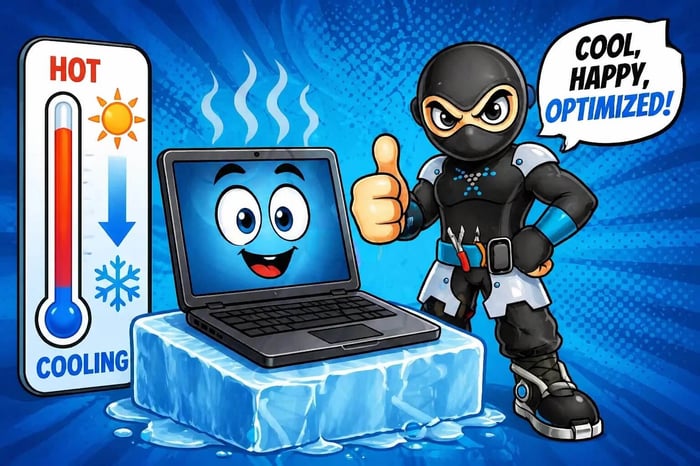
Sometimes, a slowdown is a cry for help. If your hard drive is starting to fail, it may take multiple attempts to read a single piece of data, causing the whole system to "hang" or freeze. This is a serious situation because it often leads to data loss.
If you hear clicking sounds, get frequent "Blue Screens of Death," or experience total freezes, stop what you’re doing and back up your data immediately. Then, give us a call. It's much easier to fix a failing drive before it completely gives up the ghost.
Need a Ninja to Help?
If your computer is testing your patience, don't suffer in silence. At PC Ninja, we provide honest, jargon-free computer repair in Reading PA to get you back to what matters. Whether it's a simple software tune-up or a much-needed hardware upgrade, we've got the tools and the 25+ years of experience to solve the mystery of the slow PC.
Ready for a speed boost?
- Check out our Residential Services
- Learn about Remote Support for quick fixes!
Stop waiting for your computer to catch up. Let’s get it running at ninja speed again!