

Updated October 9, 2026: this guide now explains what the June certificate changes mean and how to check Windows updates safely. It is not a forecast of new features or a list of every June patch.
Keep security updates enabled, protect important files, and plan larger upgrades around your work. These five points explain the difference.
1. Secure Boot Certificates Needed Renewal

Secure Boot helps check the software used when a computer starts. Some older certificates began expiring in June 2026. Microsoft says a device without the renewed certificates still starts and operates normally, but loses the ability to receive certain new protections for the early startup process. Expiry alone does not mean the computer suddenly refuses to start. [1]
Follow Microsoft’s current guidance and install supported Windows and device-maker updates. If the computer is managed by your business, ask your IT provider to check its status. Do not switch off Secure Boot or edit startup settings as a shortcut.
2. Windows 11 26H1 Is Not an Upgrade for Every PC
Microsoft says version 26H1 is for selected new devices introduced in 2026. It is not offered as an in-place upgrade from 24H2 or 25H2 on existing computers. Do not manually install it just because the version number looks newer. [2]
3. Do Not Assume Every Rumored Feature Is Included
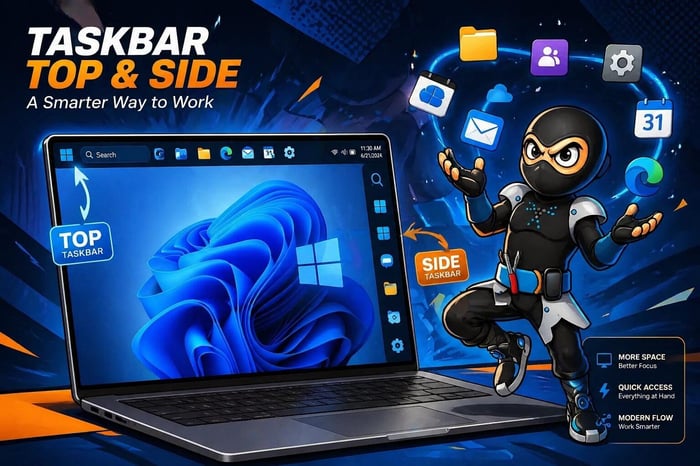
Taskbar, assistant, and other interface changes can vary by version, device, and rollout. Check Microsoft’s release notes for the update actually offered to your PC instead of relying on a rumor or an illustration. [2]
4. Check Backups and Known Issues Before a Larger Upgrade

Back up important files and confirm you can recover them before a major version upgrade. Save your work, leave a laptop plugged in, and allow time for restarts. Microsoft’s release information links to known issues for each Windows version; check those if a business app or device is essential. [3] [2]
If Windows says an upgrade is not ready for your computer, do not force it past that warning. Record any error message and get help if updates repeatedly fail.
5. Security Updates and Major Upgrades Need Different Planning

Security updates fix weaknesses and should not be routinely delayed for weeks. Larger feature upgrades may need app, printer, and backup checks, especially on a business computer. Plan with your IT provider rather than applying a blanket “wait two weeks” rule. [2]
Standard Windows 10 support ended October 14, 2025. Continuing on Windows 10 requires a supported extended-security arrangement if you want those additional updates; a June update does not restart ordinary support. [4] Read our Windows 10 end-of-life guide for the options.
Where to Check Your PC
Open Settings → Windows Update to review update status. Use Settings → System → About to find your Windows version. For a work-managed computer, follow your organization’s instructions before changing settings.
If you are unsure about a warning or failed update, contact PC Ninja with the Windows version and error message.
Sources
Sources checked October 9, 2026. Numbered links above match these references. Buying and service recommendations are PC Ninja’s advice, not guarantees.
- [1] Microsoft. When Secure Boot certificates expire on Windows devices. Accessed October 9, 2026.
- [2] Microsoft Learn. Windows 11 release information. Accessed October 9, 2026.
- [3] CISA / US-CERT. Data Backup Options. Accessed October 9, 2026.
- [4] Microsoft Learn. Extended Security Updates (ESU) program for Windows 10. Accessed October 9, 2026.